OpusClip vs Vizard vs Klap vs Submagic vs Descript vs CapCut vs Salvo: The Honest 2026 Comparison
A fair, sourced comparison of the main AI clipping tools in 2026: what each one is best at, listed prices as of October 2026, and when Salvo is (and isn't) the right pick.
By the Salvo Team
7 min read
Updated
On this page
There are now more AI clipping tools than anyone can try in a month. Most of them promise the same thing (upload a long video, get viral shorts), so it's hard to tell them apart from their landing pages.
We make one of them, so take our view with the appropriate pinch of salt. We've tried to be fair: every price below comes from the vendor's own pricing page as we saw it in October 2026, we say where we couldn't confirm a number, and we say where other tools are a better choice than ours. Prices and plans change often, so check the vendor's page before you buy.
The short answer
- Want a mature all-rounder for podcasts and talking-head video? OpusClip.
- Want a generous free plan to try AI clipping? Vizard or OpusClip.
- Already have short videos and just need great captions? Submagic.
- Want a full editor for long-form and podcasts, with clipping as a bonus? Descript.
- Want a powerful manual editor on a budget? CapCut.
- Clip lots of videos at a low per-clip cost? Klap.
- Clip streams (Twitch, Kick, YouTube) and run many accounts, testing hooks against each other? That's what Salvo is built for.
The tools, one by one
OpusClip
The best-known AI clipper, and for good reason. According to its pricing page, there's a free plan, Starter at $15/month and Pro at $29/month, plus a custom Business plan.
- Strengths: a long list of import sources (local files, YouTube, Google Drive, Vimeo, Zoom, Rumble, StreamYard); a virality score on Pro; reframing to 9:16, 1:1 and 16:9 with moving-object tracking; AI and stock B-roll; social scheduling to YouTube Shorts, TikTok, Instagram, LinkedIn, Facebook and X on Pro; editing and scheduling APIs.
- Things to know: files on the free plan expire after 3 days, and the free plan doesn't include the virality score, reframing or B-roll. Team seats are limited below Business.
Vizard
Vizard's pricing page lists Free, Creator and Business plans and advertises a discount for yearly billing. We couldn't read a dollar price for the paid plans on the official page when we checked, so look there for current prices.
- Strengths: a usable free plan (60 credits a month, 720p export); 4K export and long uploads on paid plans; scheduled posting and AI reframe on Creator and up.
- Things to know: connected social accounts are capped by plan (the page listed 1 on Free, 6 on Creator and 20 on Business).
Klap
Klap's pricing page lists Basic at $14/month for 100 clips a month, Pro at $39/month for 300 and Pro+ at $94/month for 1,000, all billed yearly. Monthly billing is also offered.
- Strengths: simple pricing per clip; unlimited connected social accounts on every plan; analytics included.
- Things to know: we didn't see a free plan on the pricing page.
Submagic
Submagic started as a captions tool and still leans that way. Its pricing page lists Starter at $19/month ($12/month billed yearly), Pro at $39 ($23 yearly) and Business at $69 ($41 yearly).
- Strengths: polished animated captions, auto zooms and B-roll; good for making already-short videos look great.
- Things to know: plans cap the length of each input video (2 minutes on Starter, 5 on Pro, 30 on Business) and the number of videos a month. Publishing is limited to one social profile on Pro, with multiple accounts on Business.
Descript
Descript is a full editor where you edit video by editing its transcript, which is great for podcasts and long-form. Its pricing page lists a free plan and paid Hobbyist, Creator and Business plans starting at around $16/month, with annual billing saving up to 35%.
- Strengths: the text-based editing workflow; "Create Clips" (its AI assistant picks clip-worthy moments); dynamic captions; up to 4K export on higher plans.
- Things to know: it's an editor first. Scheduling across many social accounts isn't the focus.
CapCut
CapCut is a free-to-start editor with a very deep manual feature set, a "long video to shorts" tool and auto captions. Pro pricing varies by region and app store, and we couldn't confirm a current price on an official CapCut page, so check in the app.
- Strengths: great value; huge library of effects, templates and caption styles; works on phone and desktop.
- Things to know: it's mainly a hands-on editor, so you're still finding moments and scheduling posts yourself.
Side by side
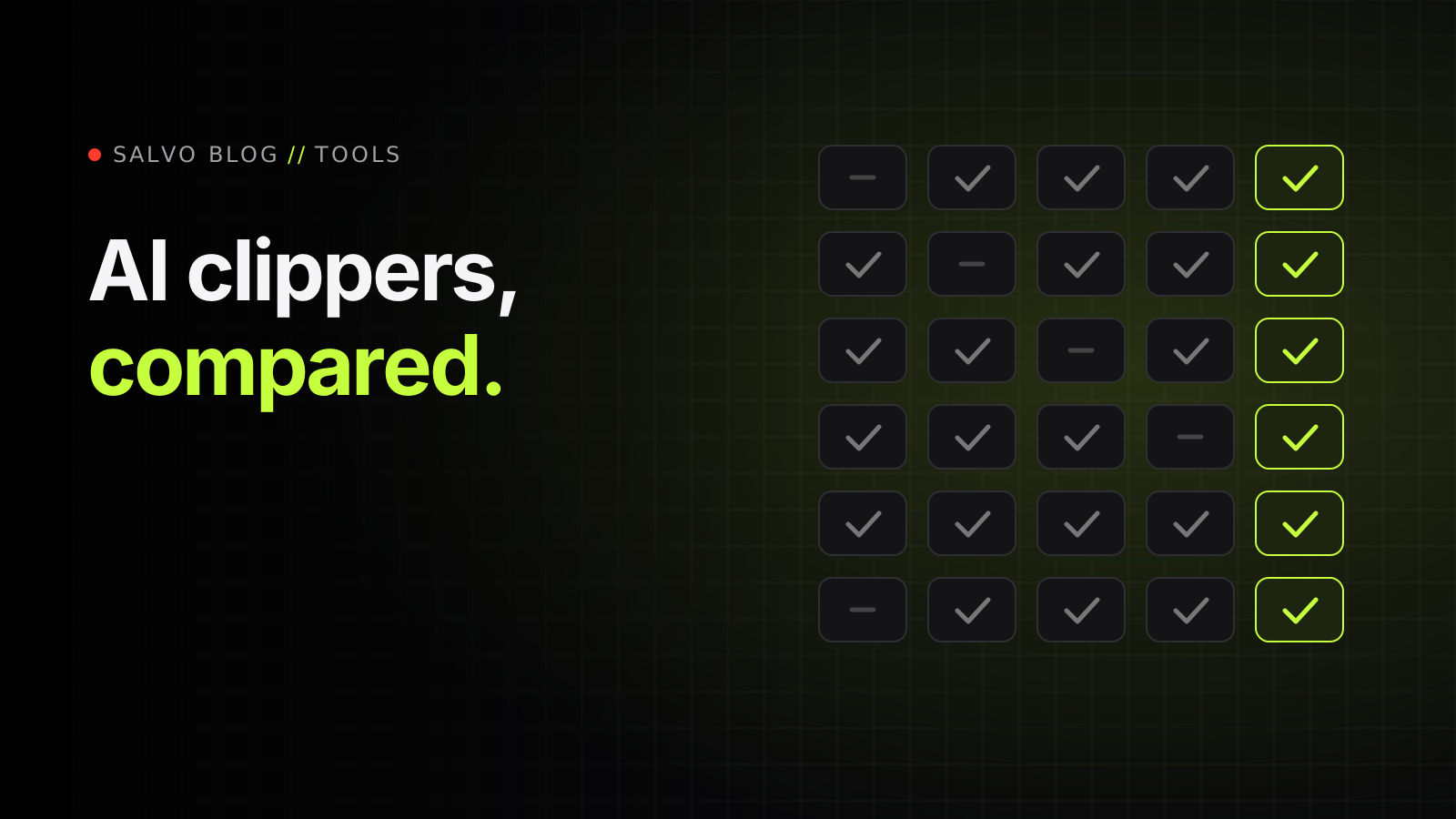
| Tool | Listed starting price (Oct 2026) | Free plan | Clip scoring | Built-in scheduling |
|---|---|---|---|---|
| OpusClip | $15/mo (Starter) | Yes | Virality score (Pro) | Yes (Pro): 6 platforms |
| Vizard | See pricing page | Yes | Not confirmed | Yes (Creator+), account caps by plan |
| Klap | $14/mo billed yearly | Not shown | Not confirmed | Yes, unlimited accounts |
| Submagic | $19/mo ($12 yearly) | Not shown | No | Pro: 1 profile; Business: multiple |
| Descript | From about $16/mo | Yes | No | Not the focus |
| CapCut | Varies by region | Yes | No | Not the focus |
| Salvo | $59.99/mo (one plan) | Yes (3 imports/mo, 720p) | 0-100 score, 7 factors, explained | Yes, unlimited accounts |
"Not confirmed" means we couldn't verify it on the vendor's own site, not that the feature doesn't exist.
Where Salvo is different
Salvo is built for people who clip at volume across many accounts, especially from livestreams. Here's what it does that the general-purpose tools above mostly don't:
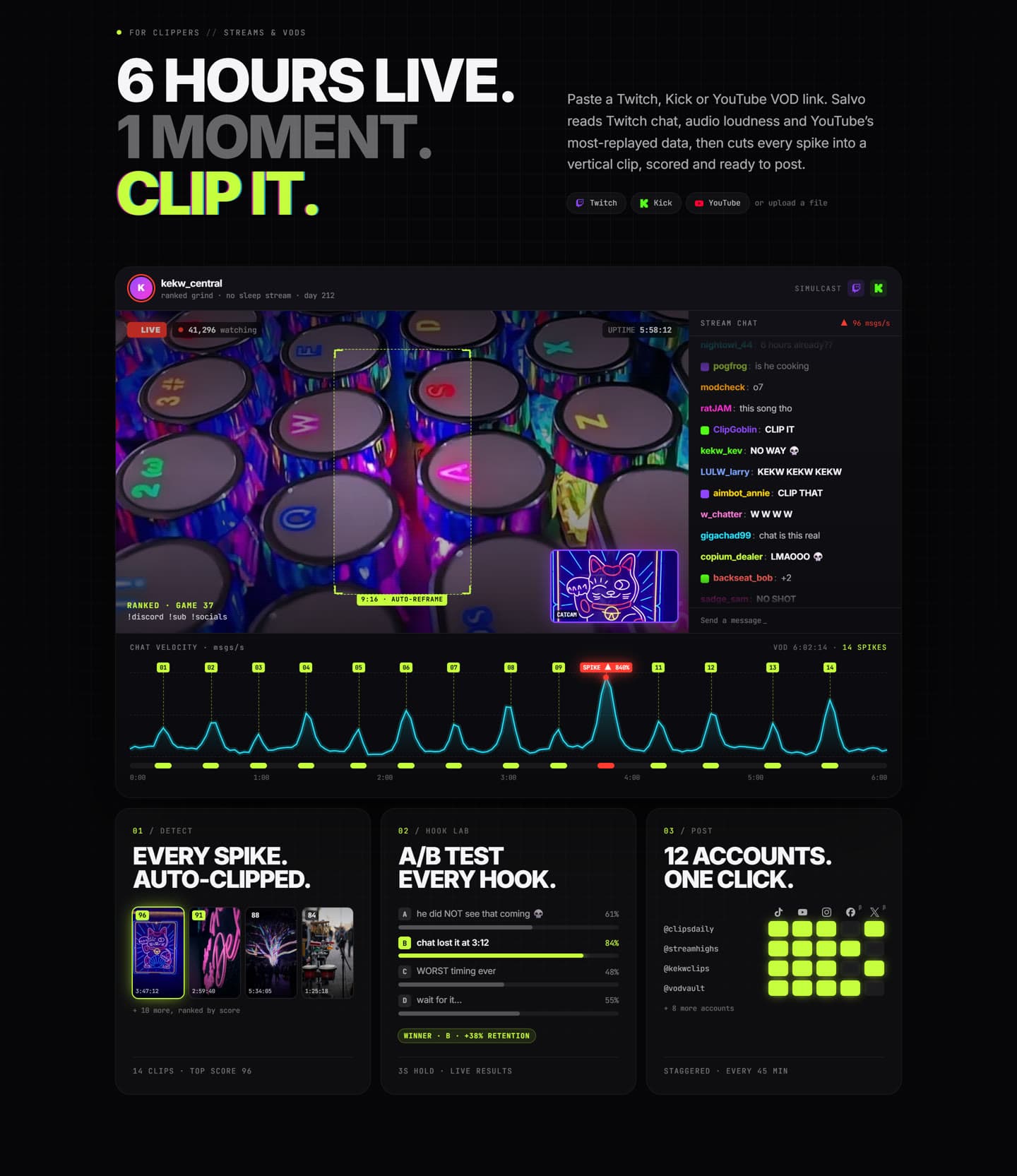
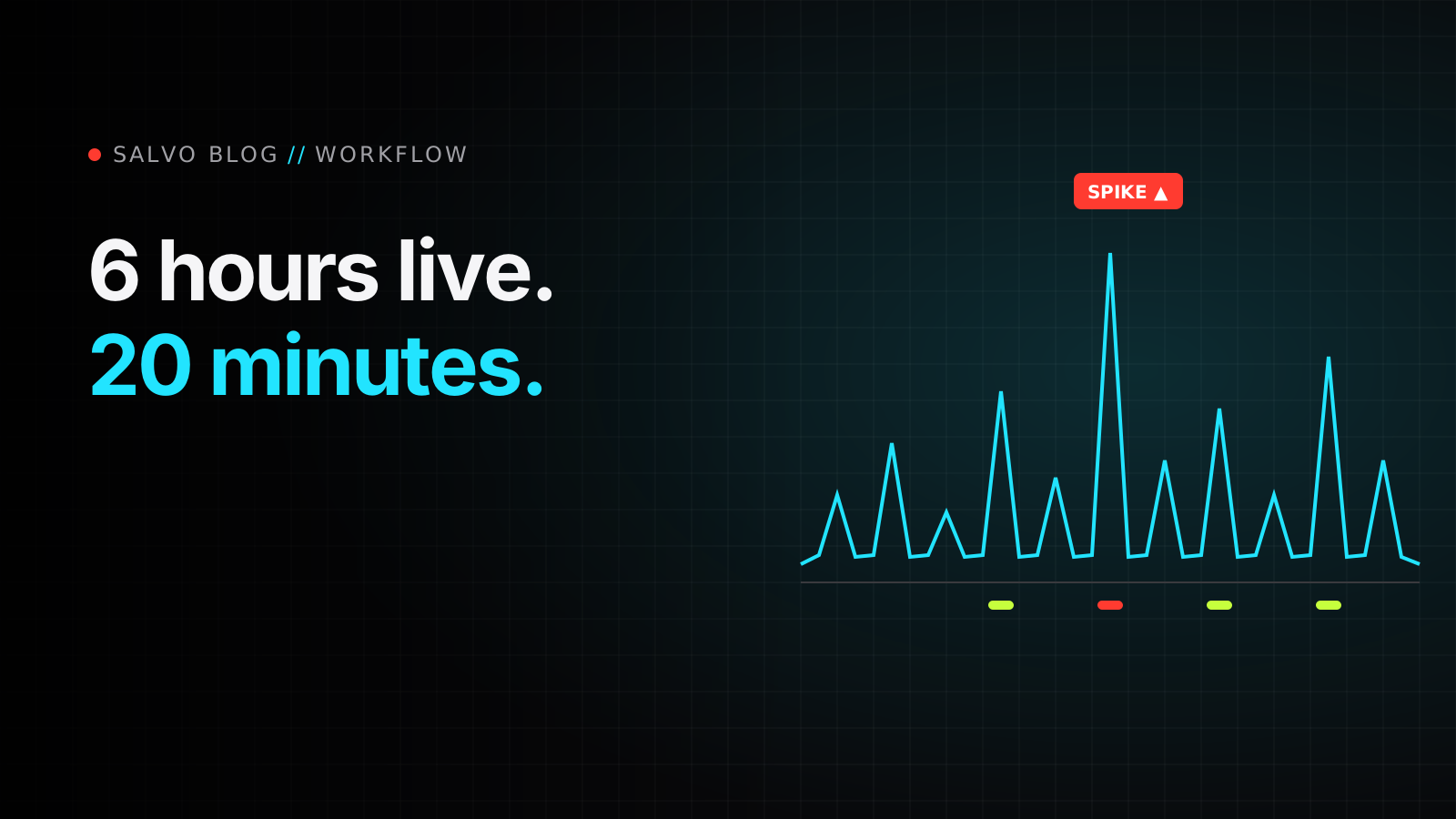
- Stream-aware moment detection. Paste a Twitch, Kick or YouTube link and Salvo looks for spikes in Twitch chat (and YouTube live chat replay), jumps in loudness and YouTube's most-replayed data, alongside the transcript.
- Facecam layouts for streams. Mark the facecam once per VOD and apply vertical layout presets to every clip, so the reaction and the gameplay both fit the phone.
- An explained viral score. Every clip gets a 0-100 score built from seven weighted factors (hook, pacing, emotion, clarity, length, captions and trend fit) and a plain explanation of what's holding it back. It's a heuristic, not a crystal ball, and it updates as you edit.
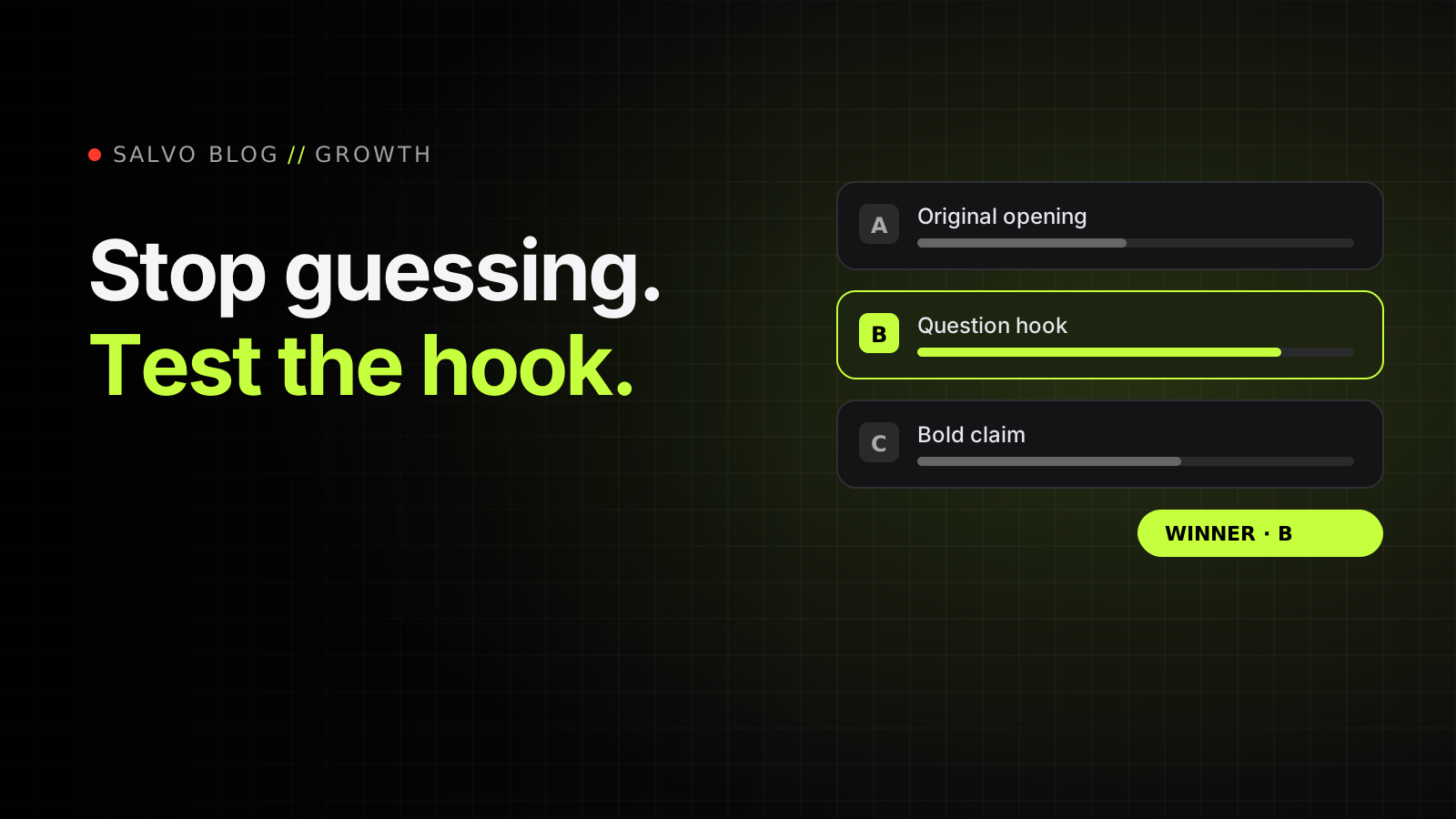
- Hook Lab A/B testing. Make up to five versions of a clip, post each to a different account, and let real retention and click-through numbers pick the winner. Then apply it to the clip.
- Blast: a version for every page. Generate up to nine extra versions of a clip, each with its own hook and caption style (bold, boxed, karaoke, neon, pop, minimal), so your accounts don't all post the identical video.
- Scheduling across unlimited accounts. Bulk-schedule a batch with a stagger of 15 minutes to 3 hours. TikTok, YouTube Shorts and Instagram Reels publish automatically; Facebook, X and LinkedIn are in beta.
- One Shot AI edits. Describe the edit in plain English (one request per line, or nothing for a whole-clip edit), optionally pick a style preset and a target length, and an AI agent edits the timeline: captions, hook card, framing and punch-ins, cuts, transitions, sound effects, B-roll. You review it in the editor and keep or delete it.
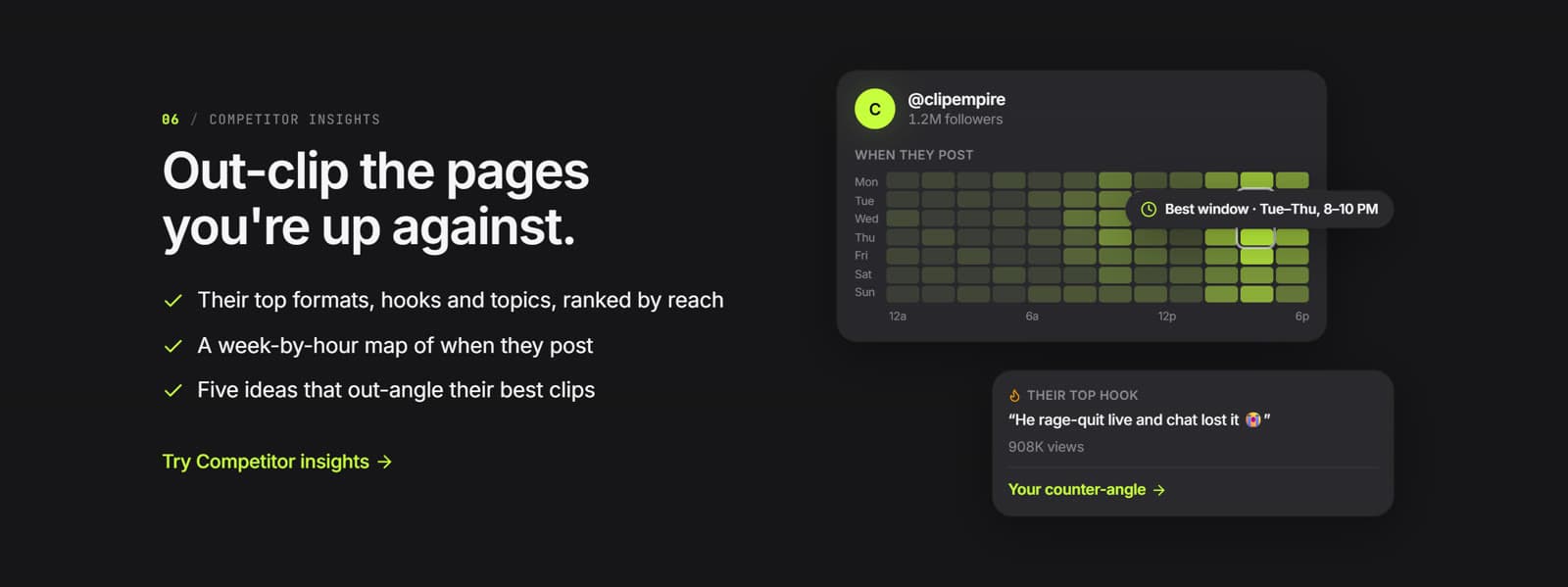
- Scout competitor analysis. Profile competing accounts to see their top formats, hooks and topics and a week-by-hour map of when they post.
Where Salvo isn't the best pick
- If you only make a few clips a month, a free plan from OpusClip, Vizard or Descript will probably do. Salvo has a free tier, but its paid plan is a single $59.99/month subscription aimed at heavy use.
- If you need a full long-form editor, Descript or CapCut is the better home. Salvo's editor is built for short clips.
- If you post mostly to Facebook, X, LinkedIn or Snapchat, note that Salvo's Facebook, X and LinkedIn publishing is in beta, and Snapchat is manual for now (Salvo renders the video and caption and you post it).
- If you need an API today, OpusClip and Submagic list APIs on their plans.
How to choose
- Start with your source material. Streams favour stream-aware detection; podcasts and interviews work well in most tools.
- Count your accounts. One account per platform works anywhere. Ten accounts needs real multi-account scheduling.
- Decide whether you'll test. If you're going to compare hooks, pick a tool that measures versions instead of leaving you with spreadsheets.
- Try two tools on the same video. Most have free plans or trials. The best clipper for you is the one whose first ten clips need the fewest fixes.
All prices and plan details were checked on each vendor's pricing page in October 2026. If you spot something that's out of date, tell us and we'll fix it.